Transform teamwork with Confluence. See why Confluence is the content collaboration hub for all teams.Get it free
What is a project budget? Essential strategies for better cost control

By Atlassian
Every project needs money to succeed, but knowing exactly how much can be difficult. A well-planned project budget provides a clear picture of where funds will go to avoid costly surprises down the road.
Whether you're launching a new product, rolling out software updates, or managing a construction timeline, understanding how to build and track a budget is one of the most valuable skills you can have.
In this guide, we'll walk you through what makes a solid project budget, who's responsible for creating one, and how to build a budget that actually works for your team. We'll also show you how customizable project management tools make the entire process more accurate and transparent from start to finish.
What is a project budget?
A project budget is an estimate of all costs associated with completing a project. It covers everything from employee salaries and contractor fees to software licenses, equipment purchases, and miscellaneous expenses that pop up along the way.
The budget guides your financial roadmap, showing how much you expect to spend in each category and when those expenses will occur. Budgeting helps teams plan resources, project timelines, and funding needs before work begins.
It gives everyone a shared understanding of what's financially possible and what trade-offs might be necessary if priorities shift. A good budget doesn't just list numbers — it connects spending to specific project deliverables and milestones.
The goal is for you to see exactly what you're getting for your investment. This is why project planning always includes a financial component.
The importance of a project budget
A solid budget supports decision-making at every stage of a project. When you know how much each task or deliverable will cost, you can make informed choices about where to invest more heavily and where to scale back.
This kind of clarity prevents overspending and keeps projects from running into financial trouble halfway through. Project budgets also improve transparency across teams.
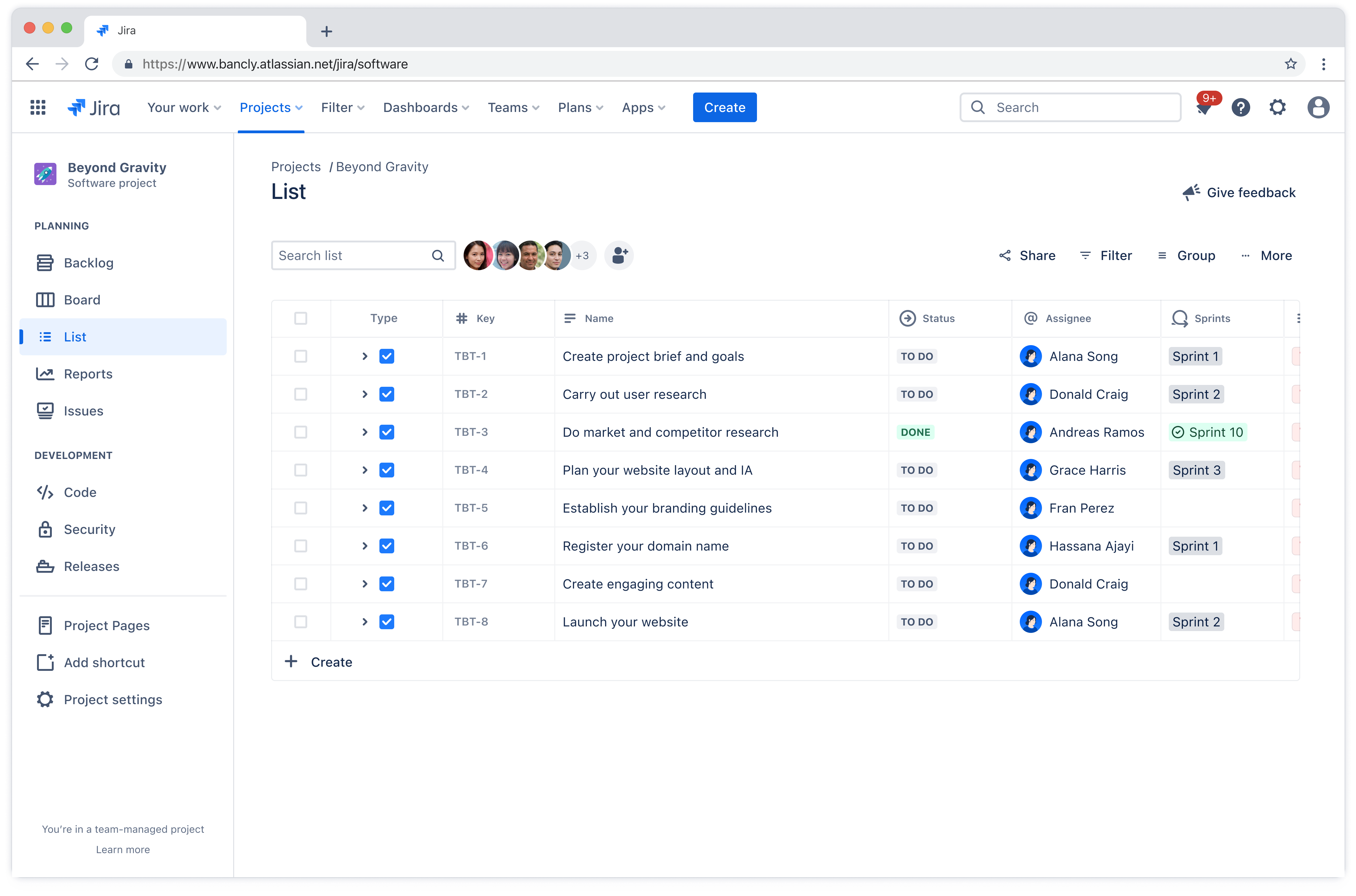
When everyone can see where money is allocated, it's easier to understand priorities and hold each other accountable. Cross-functional teams especially benefit from this visibility, since different departments often have competing needs and limited resources.
A transparent budget makes those conversations more productive and less political.
Who creates the project budget?
The project manager typically takes the lead on creating the budget, but they rarely do it alone.
Finance teams provide input on cost structures and approval processes
Department leads contribute estimates for their specific areas of responsibility
Stakeholders collaborate to input costs throughout the budgeting process
Each person brings expertise about different expense categories, which helps create a more accurate and realistic financial plan. In larger organizations, you might also involve procurement specialists, technical architects, or executive sponsors.
Jira custom fields help standardize entries across teams, so everyone documents costs in the same format and uses consistent categories. This standardization makes it much easier to roll up costs, compare spending across projects, and identify trends over time.
7 steps to creating a project budget
You don't need to reinvent the wheel every time you start a new project. These steps give you a framework you can adapt to different types of work and team structures.
Pro Tip: Each step in this process is easier to manage with Jira's customizable fields and workflows. Jira's currency custom fields let you capture various currency values in a budget within a single custom field, which is especially helpful for global teams working across different regions and currencies.

Step 1. Define the full project scope and objectives
Outline deliverables, timelines, and success criteria. What exactly are you building or delivering? When does it need to be done? What does success look like when you're finished?
Answering these questions up front helps you understand the scale and complexity of what you're taking on. A clearly defined project scope helps determine where costs will be allocated.
If you know you need to deliver five major features by the end of Q2, you can start estimating how much development time, testing, resources, and infrastructure each feature will require.
Step 2. List all required resources and categorize cost types
Break down everything you'll need to complete the project. Include labor costs for internal team members and contractors, equipment purchases or rentals, technology subscriptions and licenses, raw materials or supplies, and fees for third-party vendors or consultants. Capacity planning can help you determine realistic resource needs before you commit to specific numbers.

Categorizing these costs makes it easier to see where most of your money is going and where you might have flexibility to adjust. Some costs are fixed and non-negotiable, while others can be scaled up or down depending on your priorities and constraints.
Step 3. Estimate costs using data-driven forecasting methods
Use historical data from similar projects, vendor quotes for specific services or products, and industry benchmarks when you don't have internal data to reference. The more information you can gather, the more accurate your estimates will be.
Don't rely on gut feelings or best-case scenarios. Look at what actually happened on past projects, such as how much tasks really cost, how long they really took, and where unexpected expenses showed up.
Those lessons will help you build a more realistic budget this time around.
Step 4. Determine the right budgeting approach based on your project’s scope and priorities
The budgeting method you choose should reflect the scale, complexity, and goals of your project. Each approach offers different levels of control and visibility, so aligning your choice with project priorities and scope ensures funding is allocated effectively.
Top-down budgeting starts with a fixed total amount and divides it among categories, which works well when funding is limited and you need to prioritize ruthlessly. Bottom-up budgeting estimates each individual task or component and adds them together, giving you a more detailed and accurate picture, but it requires more time and effort.
Zero-based budgeting starts from scratch and requires justification for every expense, rather than basing estimates on previous budgets. This method takes the most work but can reveal inefficiencies and unnecessary spending that other approaches might miss.
Step 5. Allocate funds and assign ownership to each cost category
Once you know how much you're planning to spend in each area, assign budget responsibility to team leads or departments. Each owner is accountable for managing their portion of the budget and flagging any issues or overruns early.
This distributed ownership makes project budget management more sustainable, since the project manager doesn't have to track every single expense personally. It also gives team leads more autonomy and encourages them to find creative solutions when constraints arise.
Step 6. Set aside a contingency reserve to manage risk and uncertainty
No matter how carefully you plan, unexpected costs will come up. Set aside a percentage of the total budget for unforeseen expenses.
This contingency reserve is insurance against legitimate surprises like scope changes, vendor price increases, or technical challenges that require additional expertise. Having this buffer built in from the start prevents minor issues from derailing the entire project schedule.
Step 7. Finalize the budget and establish tracking and reporting processes
Get formal approval from stakeholders and decision-makers before you start spending. One of the most critical project management skills to have is defining how the final budget will be tracked, how often you'll report on spending, and what thresholds will trigger reviews or adjustments.
Set up regular check-ins to compare actual spending against planned spending. When you spot variances early, you can course-correct before small problems become big ones. Clear tracking processes also make it easier to learn from each project and improve your estimating accuracy over time.
Example of a successful project budget
Let's take a look at a project budget example to help you understand how the process works:
A software company that is planning to launch a new mobile app might create a detailed project budget that breaks costs into five main categories:
Development labor: $150,000
Design and UX: $45,000
Infrastructure and hosting: $20,000
Marketing and launch: $35,000
Contingency reserve: $25,000
The total project budget would come to $275,000 with a six-month timeline.
The project manager could use Jira to track spending in real time, with custom currency fields capturing costs as they occur. Each team lead would update their expenses weekly, which would give everyone visibility into how the project is progressing financially.
If the design phase came in $8,000 under budget, the team would be able to reallocate those funds to additional user testing before launch. By tracking everything in Jira, the team might identify that infrastructure costs are running higher than expected due to increased API usage.
They could catch this in month three and adjust their hosting plan, which would prevent a much larger overage later. The project could ultimately come in under budget, and the detailed tracking data would become a valuable project budget example for future mobile app development initiatives.
Use Jira to build and manage smarter project budgets
Jira improves budgeting accuracy by giving you a centralized place to track estimates, actual costs, and variances in real time. When everyone on the team updates spending in the same system, you get a consistent view of financial health without chasing down spreadsheets or email updates.
The platform's customizable fields and workflows adapt to your specific budgeting process, whether you're tracking a simple three-month project or coordinating spending across multiple departments and timelines.
Collaboration is simple when stakeholders can see exactly where money is going and how spending aligns with deliverables. Jira's currency custom fields make it easy to track, forecast, and report financial metrics across different currencies and cost categories.
Instead of managing project budget software separately from your project management platform, you can handle both in one place. This integration means fewer tools to maintain, less context-switching for your team, and better visibility into how work management decisions affect your bottom line.